

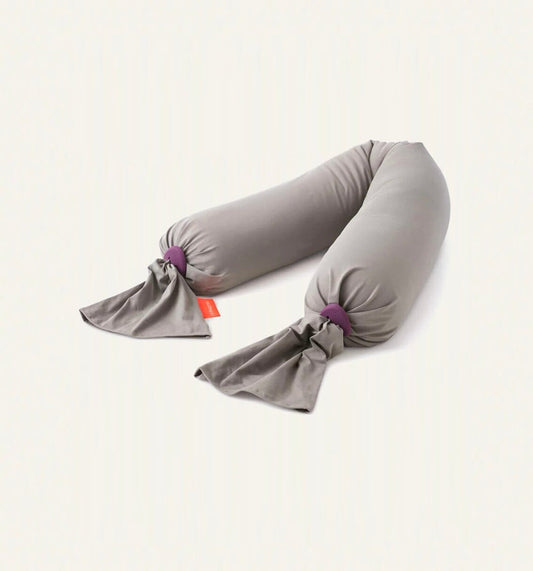
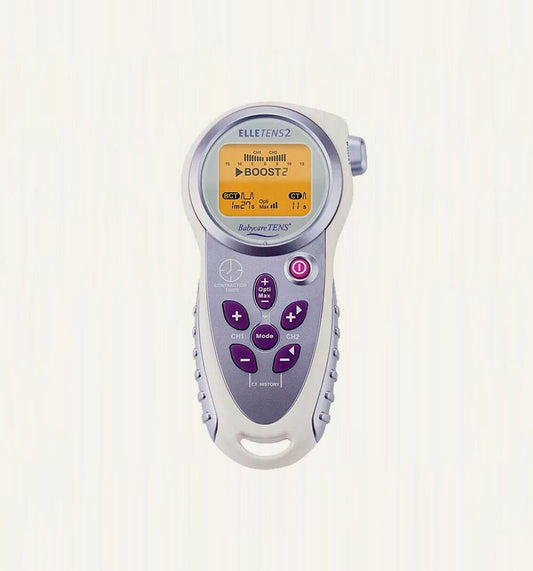
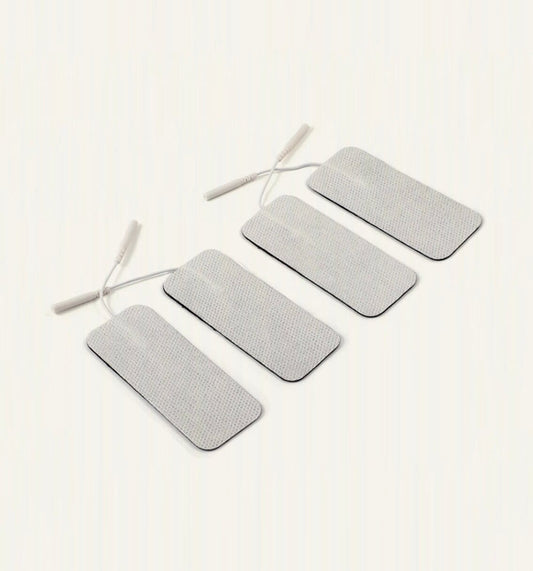


Thank you for submitting your return request
To make sure we send you the right return information, we just need to ask a few quick questions.
Step 1
How many items are you returning?
1 item
2 or more items
Step 2
What item are you returning?
Start typing to search for your item.
No products found. Please contact us at [email protected]
Step 2
What is the biggest item you are returning?
This helps us direct you to the right courier. Start typing to search.
No products found. Please contact us at [email protected]
Step 3
Will all your items fit in one box?
Yes, everything fits in one box
No, I need more than one box
If everything fits securely into one box for the return, that is absolutely fine — you will only need one label in that case.
Multiple boxes
You will need a separate label for each box
That is no problem at all. Here is what you need to know before we send you to the courier portal.
How to return multiple boxes
- Generate a separate returns label for each individual box in the courier portal
- Attach each label clearly to the correct box and make sure any old labels are removed or covered
- Each box must be handed over, scanned, and photographed individually at drop-off or collection
- Keep proof of postage for every box until you receive your return confirmation from us
If you do need multiple boxes, please make sure every box is returned, scanned and evidenced. Missing boxes will result in continued billing.
Step 3
Do you still have the original packaging for your item?
Yes, I have the original packaging
No, I no longer have it
Just to check
How did your order arrive?
This helps us make sure you have the right number of labels for your return.
My order arrived in one box
My order arrived in multiple boxes
Packaging needed
Your item needs to be in a suitable box
To protect your item and ensure the courier accepts it, the packaging needs to meet the following requirements.
Packaging requirements
- A rigid cardboard box large enough to hold the item without forcing
- All sides fully sealed with strong packing tape
- Adequate internal padding to prevent movement (bubble wrap, newspaper or foam)
- All old labels removed or fully covered
- Box must be in good condition with no tears or damage
Incorrect packaging may invalidate courier insurance. You could be charged for any damage or loss if packaging requirements are not met.
I can source suitable packaging
I will find a box that meets the requirements above
I cannot find a suitable box
I need help from Baboodle
Collection option
Are you based in London?
We may be able to arrange a special collection for your item if you are in London.
Yes, I am in London
I would like to request a collection
No, I am outside London
I need help sourcing a box
Not to worry!
We can help you sort a suitable replacement box. For some items we have custom made boxes and we may need to charge a replacement box fee. Drop us an email and we will get back to you with next steps.
Collection request
Request a collection
No box needed. Just let us know when works and we will be in touch to confirm the details.
There may be an additional collection fee for this service. We will confirm the cost when we get back to you.
Request received!
Thanks! We have your collection request and will be in touch within 1 working day to confirm the details and any applicable fees.
Almost there
One last step before your label
Please confirm the following checklist before we send you to the courier portal to generate your label.
Important information about your collection
The Parcelforce portal will show a size restriction screen. This does not apply to your return. Parcelforce have confirmed this with us directly. Please read carefully before continuing.
When you see this screen in the portal — ignore it:

Tick the checkbox on this screen and continue — the size limits shown do not apply to your return.
What to do:
1
Tick the confirmation below, then click the button to open the Parcelforce portal
2
In the portal, when you see the size restriction screen, tick the checkbox and continue — do not worry about the size limits shown
3
Complete the rest of the portal as normal to generate your returns label